
The project does not stall because you forgot the second font. It stalls because the logo, the menu copy, and the login to the old host are still "coming tomorrow." You sent one email. Then you sent a nicer one. Then you did other work and the date slipped.
A list with dates beats a thread. A draft you approve beats a robot that nags.
Write the list at kickoff, not in week three
On the day the deposit is in, write every item the project cannot proceed without. Group them so the client sees a shape, not a junk drawer.
Brand: logo files, colors if they have them, fonts they already paid for. Content: page copy, the menu or the service list, photos they insist on using. Access: registrar, host, the old site's admin, analytics if it already exists. Files: a brand PDF, an export from the previous designer. Tasks: a decision only they can make, such as which location is primary.
Each row needs an owner. Most of these are the client. A few are you, and those should not be in the chasing email. Each row needs a requested date and a received flag. "Soon" is not a date. If you do not know the date, set one you are willing to remind them about, and tell them the date.
The welcome note can link the list. The list is the product. The email is just the pointer.
Business days, not vibes
Reminders should count business days from the requested date, and they should skip weekends unless your contract says you work them. A logo requested on Thursday should not generate a "still waiting" note on Saturday.
Two reminders is plenty for a file. A third automatic note starts to sound like collections. After the second, the item can sit on your Monday list as something you will mention on a call. The call is not an email. Do not hide the call inside another template.
At each reminder, group the still-missing items for that client into one draft. Five emails for five files is how you get marked as spam by a person who likes you.
Draft, then send
The draft should name the project, list the missing items, and say what is blocked. "We can build the header when the logo is here" is more useful than "friendly reminder." Do not apologize three times. Do not threaten the timeline unless the contract already ties the launch date to their delivery.
You read the draft. You delete the item they sent you this morning that the sheet does not know about yet. Then you send it. A workflow that sends on a timer will eventually email a client who delivered the file to your personal inbox an hour ago. The draft step is the fix for that.
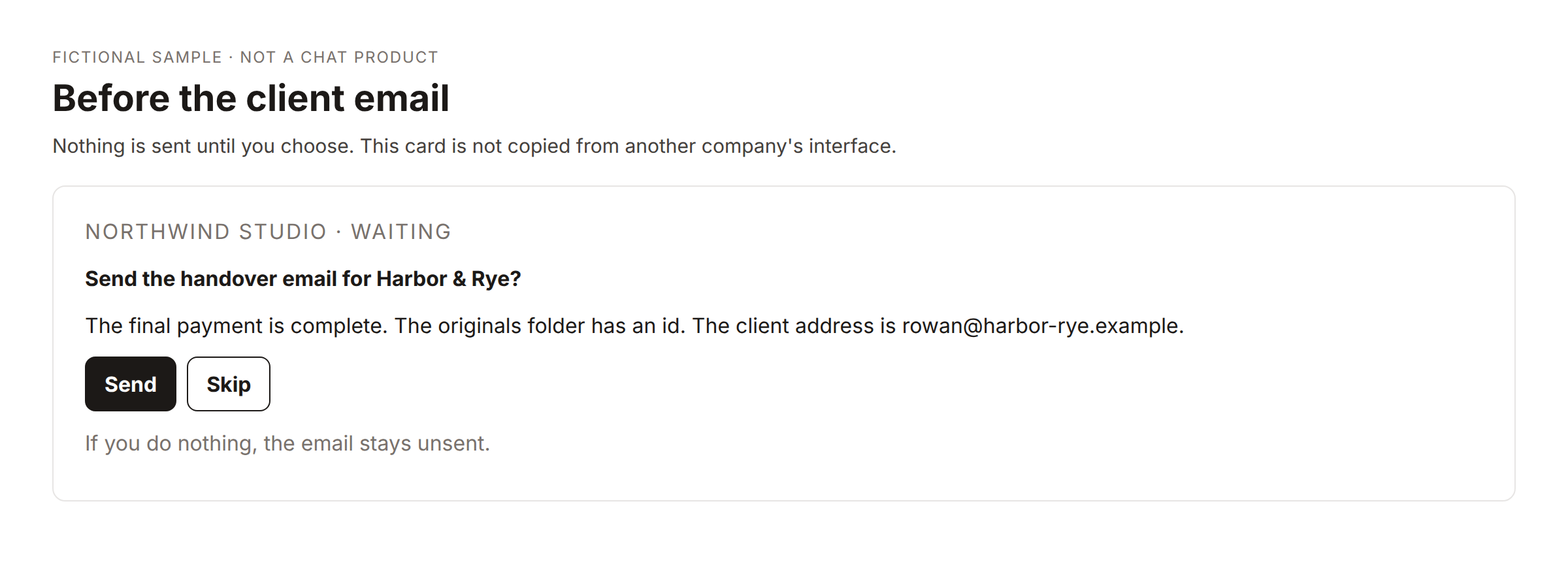
That card is a generic stand-in, not a picture of a chat app. The idea is the same: nothing goes out until you choose send. Skip leaves the item missing and does not pretend you followed up.
What the sheet has to remember
Received, and the date it was received. A row that flips back to missing because someone re-imported a template is a good way to nag a client who already delivered. Append new items. Do not replace the tab.
If a file is not needed anymore, mark it not needed. Do not delete the row if you might be asked why the logo never came. "Not needed, they are using type only" is a better note.
Access items are not files. "Registrar login" means they invited you or they hold the login in their password manager. Do not ask them to paste a password into the reply. Say that in the draft the first time, not after they have already sent you one.
A small template and the studio version
A free template can read a checklist and draft the reminder at the business-day marks you configure. It should not send. It is the right size if you have one project in a sheet and you are tired of writing the same paragraph.
The studio version sits next to the rest of the project: the kickoff that creates the list, the later launch checklist, the handover. The chasing email still waits for you if you want that. Day nine, or whatever your last automatic step is, can be a note to yourself instead of another client email. That last step is where automatic nags go to die, and it should.
Do not call this human-resources onboarding. The items are logos, copy, and logins for a website. A template written for employee laptops will ask the wrong questions and store the wrong fields.
The welcome note is not the chase
The first email can be warm and short: here is how we will work, here is the list, here is the date I will ask again if something is still open. That note is not a reminder. It is the agreement about reminders. If you skip it, the day-three draft feels like a complaint.
Put the list where they can tick things without emailing you a zip into the void. A shared folder with the row names as folders is enough. The sheet is for you. The folder is for them. When a file lands, you mark the row. The workflow will not see a file that only exists in a chat.
If they are a week late and the launch date was never tied to their files, say what moved. "Homepage slips until the copy is here" is a fact. "You are delaying the project" is a fight. Use the fact.
What you still say out loud
Some clients will not answer email and will answer a two-minute call. The list tells you who those people are, because the received flag is still empty after the second draft. Call them. Update the row. The automation did its job by making the stall visible. It does not get to be the entire relationship.
If the project is blocked on you, fix your row. A client reminder that includes "homepage copy, which we have not written" is how trust dies.
Name the file you need in the words they use. "Logo" is vague. "SVG of the wordmark, and a PNG on a transparent background" gets a file. "Copy" is vague. "The about page, half a page, in your voice" gets a paragraph.
When the files are in and the site is near launch, retire the chasing list. The launch checklist is a different page. Leaving old "missing logo" rows active will draft a reminder after you have already shipped. Mark them received or not needed before you switch DNS.
Community version
The emails I hated writing were the logo reminders. I now put every blocking item on a sheet the day the project starts: brand, content, access, files, and the one decision only they can make. Each row has a requested date.
On business days, a workflow drafts one email per client listing whatever is still missing. I send it after I read it. I do not let it send itself, because they sometimes deliver the file to the wrong inbox and the sheet is behind.
After two drafts I stop emailing and put it on my call list. Access rows say "invite me," not "paste the password." The free version of this is a single checklist and a draft. The studio version is the same list attached to the project so launch does not start with a blank page.
It did not make clients faster. It made me stop forgetting who I had already asked.
The first email is the welcome, with the list and the date I will ask again. The later emails are drafts of what is still missing. I say what slipped, not that they are the problem. Files belong in a folder we both can see. The sheet is mine. When something arrives only in chat, I still have to mark the row myself.